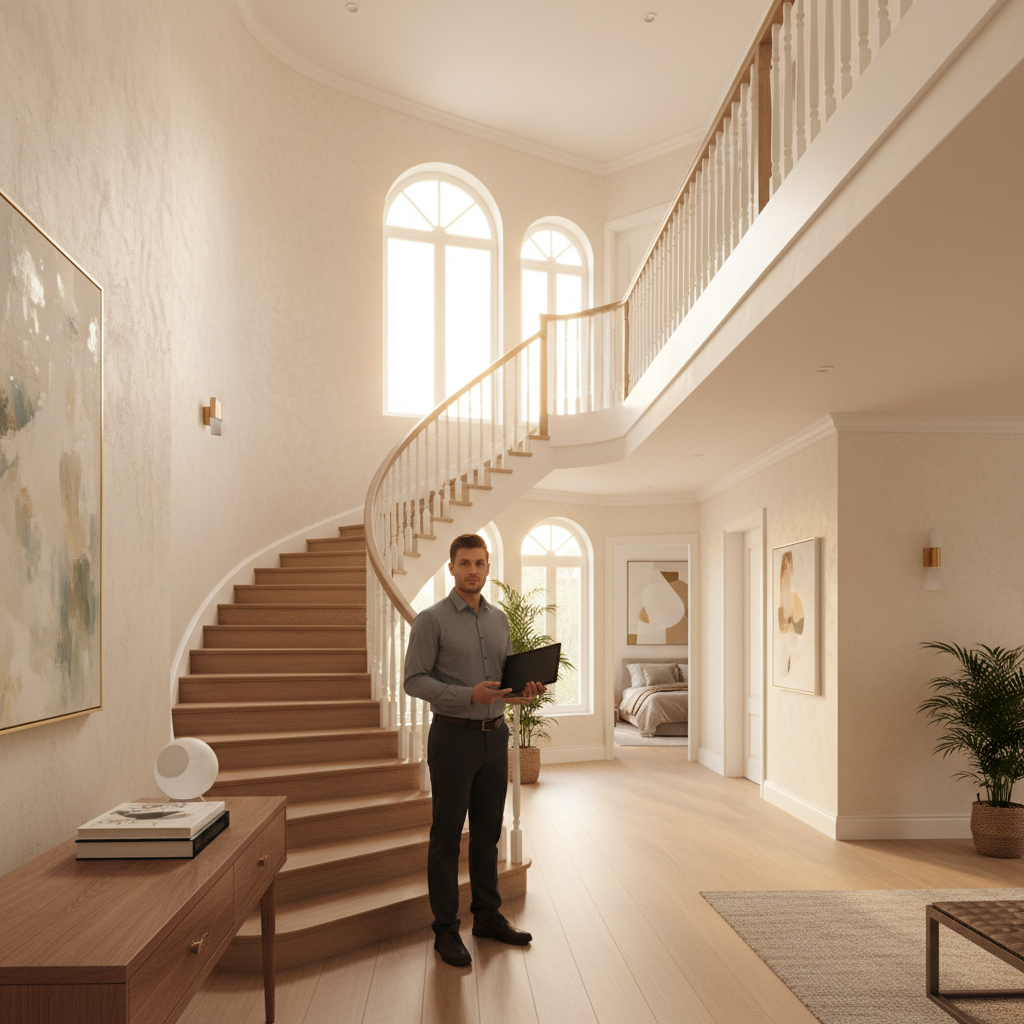
Network installers will tell you the floor plan before they ask about your budget, and there's a reason for that. A two-story home isn't just a single-story home with extra square footage stacked on top. Stairwells, load-bearing walls, and the sheer vertical distance between a basement router and an upstairs bedroom create signal conditions that flat layouts never produce.
The question of mesh Wi-Fi vs a single router comes down to three variables most people don't weigh until they're already frustrated: usable square footage, the building materials between floors, and how many devices are competing for bandwidth at once. None of those is obvious from a box spec sheet.
Here's the tension that trips up two-story households specifically: a router powerful enough to punch through one floor often can't reach the far end of the same floor without dead zones, and that trade-off doesn't resolve itself by buying a more expensive single unit.
Why Two Stories Break Single-Router Math
Signal attenuation is the mechanism that matters here. Every obstacle a Wi-Fi signal passes through costs it power, measured in decibels. A standard interior wood-frame wall costs roughly 3 to 5 dB. A concrete or brick floor/ceiling assembly, common in older American homes and any home with a concrete slab between levels, can cost 10 to 15 dB or more. A 2.4 GHz signal starts with more penetration range but tops out around 100 Mbps throughput in congested environments; 5 GHz delivers faster speeds but loses more power per obstacle.
Put more precisely: the problem isn't raw range, it's that vertical signal travel through a floor assembly degrades faster than horizontal travel through a wall. A router placed on the ground floor loses a significant portion of its effective bandwidth before it even reaches the second floor, then must still cover the full footprint of that floor laterally. That's two separate attenuation events stacked against a single transmitter.
A practical heuristic used by home network consultants: if your two-story home exceeds roughly 2,500 square feet of living space, or if the router must penetrate a concrete subfloor or masonry construction, a single router will struggle to deliver consistent 5 GHz coverage across both levels regardless of its advertised range. Under 1,800 square feet with standard wood-frame construction, a well-placed single router can genuinely work. The range between those figures is where layout and wall materials decide the outcome.
What you'll notice when you run a speed test on the second floor is not just slower speeds. You'll see higher latency and more packet loss, which matters if anyone in the house video-calls, games online, or streams in 4K. Those applications punish inconsistent signal far harder than raw speed numbers suggest.
What Mesh Wi-Fi Actually Does Differently
A mesh network places two or more nodes throughout the home, each acting as a full access point. Devices connect to whichever node provides the strongest signal, and the nodes communicate with each other, either over a dedicated wireless backhaul channel or over a wired Ethernet backhaul if you run cables between them. The result is consistent signal strength across the whole footprint rather than a strong core and weak periphery.
The systems worth considering for a two-story US home in 2024 include Wi-Fi 6 and Wi-Fi 6E mesh kits. Wi-Fi 6 (802.11ax) handles dense device environments better than its predecessors because of a technology called OFDMA, which lets the router serve multiple devices simultaneously rather than sequentially. A household running 30 or more connected devices, which is common once you count phones, laptops, smart TVs, thermostats, and security cameras, will see real throughput improvement from Wi-Fi 6 beyond just coverage.
Wired Ethernet backhaul is the detail most buyers skip until they're burned. When mesh nodes communicate wirelessly, they split available bandwidth between the backhaul link and the client devices. On a tri-band system, a dedicated 5 GHz or 6 GHz band handles backhaul while the other bands serve your devices, which is better than dual-band mesh but still not as clean as a cable. If your home has coax or Ethernet already run between floors, a wired-backhaul mesh system will outperform any wireless-backhaul alternative at the same price point. That's not marketing copy; it's just physics.
Ignore mesh if your home is under 1,500 square feet on a single floor, or if it's a small two-story townhouse under 1,200 square feet total. In those cases you're paying for coverage you don't need and adding network complexity that introduces more failure points than it solves.
Single Router: When It's Still the Right Call
A capable Wi-Fi 6 router placed at the geometric center of a two-story home's total footprint, ideally on the first floor near the stairwell, can cover 2,000 to 2,500 square feet with acceptable 5 GHz signal if construction is standard wood-frame. The operative word is placed. Most routers in American homes sit in whatever corner Comcast or AT&T installed the modem, which is almost never the optimal location.
Repositioning a single router is free. Before spending $300 to $600 on a mesh kit, move the router to a central first-floor location, elevate it off the floor, and run a speed test on both levels. If second-floor speeds exceed 50 percent of your subscribed plan speed, a single router may be sufficient for typical use. If speeds drop below 25 percent, no router placement will fix the structural attenuation problem you have.
The realistic alternative most people consider instead of mesh is a router-plus-extender setup. Extenders (also called range extenders or repeaters) retransmit an existing signal rather than creating a new access point with backhaul coordination. They're cheaper upfront, typically $30 to $80, but they halve available bandwidth on the extended signal and create a separate network name that devices don't roam between intelligently. For a two-story home where you move between floors regularly, extenders create more friction than they remove. They work adequately for a single stationary device, like a smart TV in a guest bedroom, but they're not a whole-home solution.
The Decision Framework for Two-Story Homes
The choice comes down to four questions. Check square footage, construction type, device count, and backhaul options first.
- Under 2,000 sq ft, wood-frame, fewer than 25 devices: a single Wi-Fi 6 router, centrally placed, is worth trying before spending more.
- Over 2,500 sq ft, or any concrete/masonry floor assembly, or 30+ devices: mesh is the correct starting point, not an upgrade path.
- Between 2,000 and 2,500 sq ft with mixed construction: router placement test first, mesh if second-floor speeds are consistently below half your plan speed.
- Pre-wired for Ethernet between floors: wired-backhaul mesh is the strongest option available regardless of square footage.
The reframe that matters here: choosing between mesh and a single router isn't really a technology decision, it's a geometry and materials problem that technology solves differently at different scales.
Or rather: framing it as "which product is better" is the wrong question. The right question is where your signal is dying and why. A $600 router in the wrong location underperforms a $250 mesh kit placed correctly, and a mesh kit with wireless-only backhaul in a pre-wired home is leaving half its potential on the table.
If you do nothing else, do these two things before buying anything: run a free speed test app like Ookla on your phone at the weakest point in your home, then check whether your home has existing Ethernet runs between floors. Those two data points narrow the decision faster than any spec comparison.
Skip this diagnostic and you'll likely end up buying hardware twice. The first purchase fixes part of the problem; the second purchase fixes the part you didn't account for. That's a waste of money and a pain to troubleshoot.
What Mesh Doesn't Fix
Mesh coverage solves attenuation. It does not solve internet plan speed. If your ISP connection is 100 Mbps and you have six people streaming simultaneously, mesh nodes will distribute that 100 Mbps more evenly across the home, but they cannot create bandwidth that isn't there. Upgrading to mesh while staying on a throttled or low-tier plan produces modest real-world improvement.
Mesh also doesn't fix interference from neighboring networks, which in dense American suburbs and apartment-adjacent housing can saturate the 2.4 GHz and 5 GHz bands. Wi-Fi 6E addresses this specifically by opening the 6 GHz band, which is currently uncongested in most US markets because device adoption is still relatively low. If you live in a dense neighborhood and interference is part of your problem, a Wi-Fi 6E mesh kit addresses it; standard Wi-Fi 6 does not.
Node placement matters as much as node count. Two nodes poorly placed, such as both on the same floor or too close together, perform worse than one well-placed router. The goal is to place the second node at the edge of the first node's reliable coverage area, typically confirmed by checking signal strength at around 50 to 60 percent before placing the node there. Eero, Google Nest, and TP-Link Deco all ship apps that show signal strength during setup, which makes this easier than it used to be.