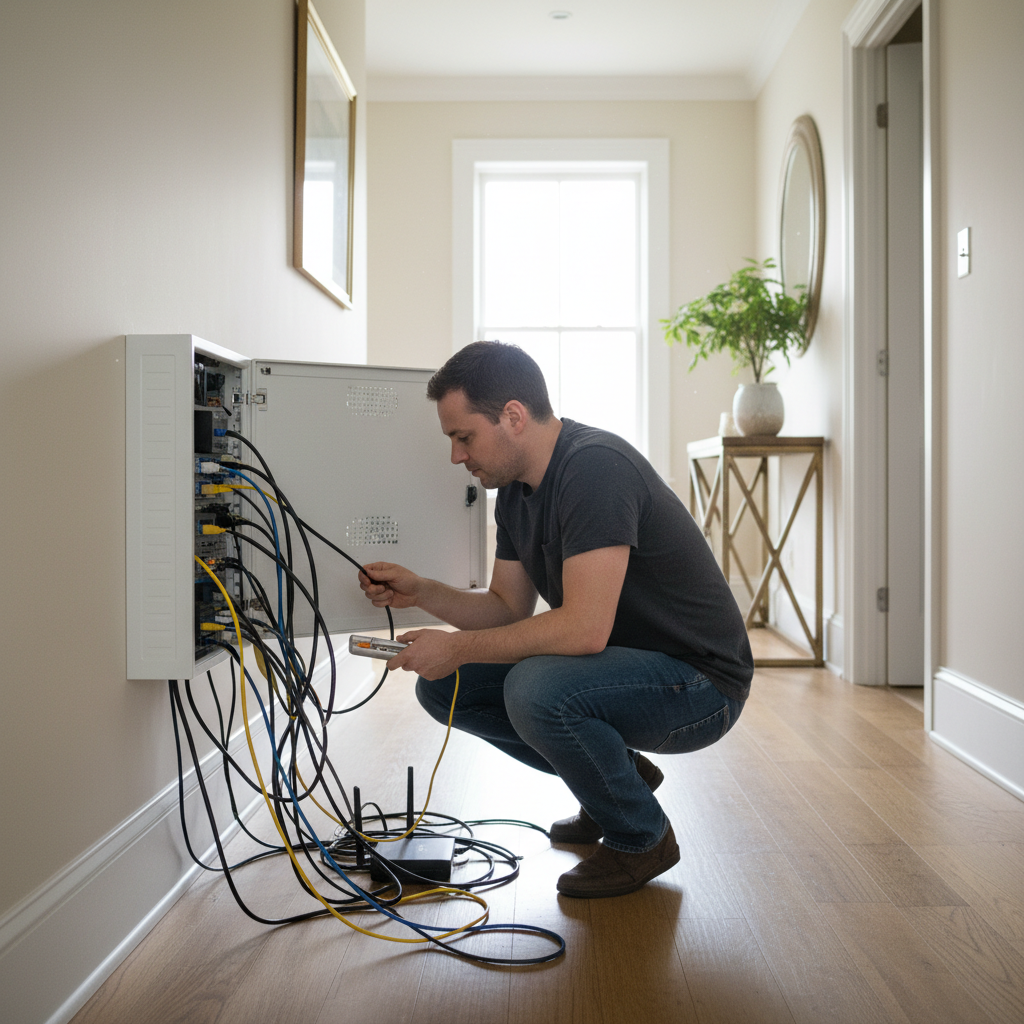
An internet technician will tell you to check upload speed before anything else, and there's a reason for that. Download speed gets all the attention in marketing materials, but for a household running video calls, game sessions, and 4K streams at the same time, upload capacity is what determines whether the evening falls apart. Fiber and cable internet can look nearly identical on a speed test at 2 PM on a Tuesday. The difference shows up when everyone on your block gets home.
The comparison between fiber and cable isn't really about raw speed anymore. Both technologies can deliver 500 Mbps or more on paper. The gap lives in consistency, specifically in what happens to your connection during peak hours and whether your household's upload demands have outgrown what cable's architecture was designed to handle. Latency matters too, especially for competitive gaming, and the two technologies behave very differently once you measure it rather than estimate it.
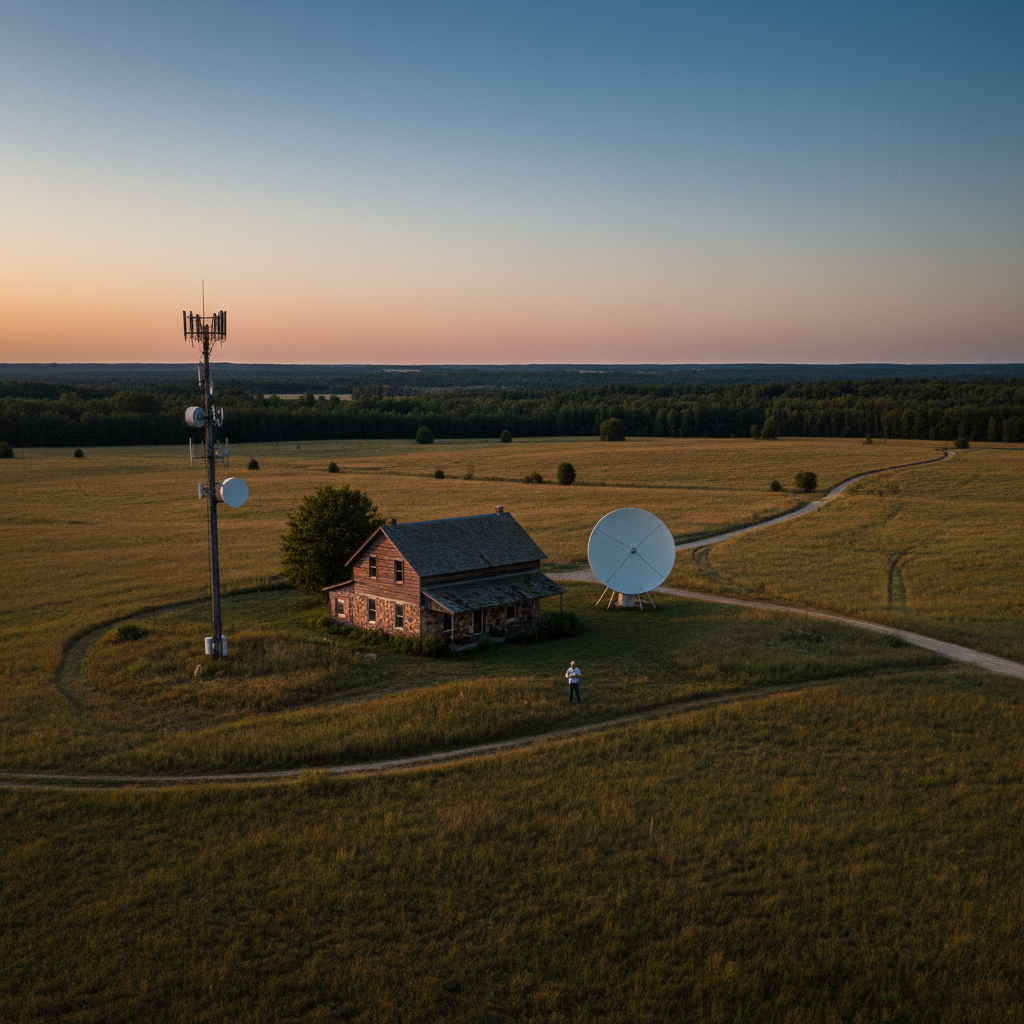
What makes this genuinely hard to answer is that fiber availability in the US remains uneven. The FCC's 2023 broadband data map shows significant deployment gaps across rural and lower-density suburban areas. So the right answer for your family may not even be a choice you get to make.
How Fiber and Cable Actually Work (and Why It Matters)
Cable internet runs on coaxial infrastructure originally built for television. It uses DOCSIS technology (currently DOCSIS 3.1, with 3.2 rolling out) to push data over that copper-coax network. Fiber-optic internet transmits data as pulses of light through glass strands. That physical difference has direct consequences for your household.
The key consequence is symmetry. Cable's DOCSIS architecture allocates far more bandwidth to downloads than uploads. A typical cable plan marketed as "500 Mbps" might deliver 500 Mbps down and 20 Mbps up. Fiber plans are frequently symmetrical: 500 down, 500 up. For streaming Netflix, asymmetry doesn't matter much. For a parent on a video call while a teenager streams to Twitch and another uploads homework to a school server, that 20 Mbps upload ceiling becomes the actual bottleneck.
Or rather: the upload ceiling isn't just a bottleneck in the traditional sense. It creates a resource-contention problem where upload-hungry applications compete for the same narrow pipe, causing latency spikes that degrade every other connection in the house simultaneously. A single 1080p stream to Twitch can consume 4-6 Mbps of upload. Add two video calls at 1.5-3 Mbps each and you've saturated a 20 Mbps upload connection before the gaming console has sent a single packet.
Fiber doesn't face the same structural constraint. Because it is a dedicated connection from your home to the provider's network node (rather than a shared coaxial segment serving multiple homes), it doesn't suffer the same congestion mechanics during evening peak hours. Cable's shared-medium design means your neighbors' usage directly affects your performance. Fiber's point-to-point design insulates you from that.
What the Speed Numbers Actually Mean for Streaming and Gaming
Netflix recommends 25 Mbps for 4K Ultra HD per stream, and that's a reasonable benchmark. A household running three simultaneous 4K streams needs around 75 Mbps down. Add a gaming session and you're closer to 85-90 Mbps. On paper, both a 300 Mbps cable plan and a 300 Mbps fiber plan handle this easily.
The number that separates them is latency. Fiber connections typically deliver round-trip latency (ping) in the 5-15 ms range. Cable connections typically run 15-35 ms under normal conditions. Neither figure is disqualifying for casual gaming or streaming. But under load, cable latency can spike significantly during peak hours on congested nodes, while fiber latency stays flat. For competitive multiplayer gaming, the difference between a consistent 12 ms and a variable 25-80 ms is the difference between a playable connection and one that causes visible rubber-banding.
Here's a practical way to estimate whether your current cable connection is congestion-limited rather than speed-limited. Run a speed test at 10 AM on a weekday, then run the same test at 8 PM on a weeknight. If your download speed drops more than 20-25% in the evening, your cable node is congested and an upgrade in tier won't fix it. Only a less-loaded node or a switch to fiber will. That's not a cable company problem unique to one provider; it's a structural consequence of the shared-medium architecture.
Streaming services buffer to smooth over short latency spikes, so a 4K movie will rarely stutter on a congested cable connection. Gaming cannot buffer. The consequence of ignoring latency variability on a congested cable line isn't a worse movie. It's a gaming experience your teenager will notice every Friday night and which no parental control setting or router upgrade will fix.
Comparing Fiber and Cable for Families: The Real Trade-offs
The table below compares the two technologies across the criteria that actually matter for a streaming-and-gaming household. Speed tiers are illustrative of commonly available plans from major US providers; actual offerings vary by address.
| Criterion | Fiber Internet | Cable Internet |
|---|---|---|
| Typical download speeds | 200 Mbps to 2 Gbps | 100 Mbps to 1.2 Gbps |
| Typical upload speeds | Symmetrical (matches download) | Asymmetrical (often 10-35 Mbps on mid-tier plans) |
| Latency under load | 5-15 ms, stable | 15-35 ms typical; spikes during peak hours |
| Peak-hour congestion | Low (dedicated connection) | Moderate to high (shared coaxial segment) |
| Availability (US) | Expanding; gaps in rural and lower-density areas | Broadly available in suburban and urban areas |
| Typical price range | $50-$90/month for gigabit | $50-$80/month for 500 Mbps (promotional rates common) |
| Contract terms | Often no contract (varies by provider) | Promotional rates frequently require 1-2 year contracts |
The price comparison deserves a closer look. Cable plans are frequently marketed with introductory rates that expire after 12-24 months, after which the price rises substantially. Fiber plans from providers like Google Fiber and Frontier tend to advertise their standard rates more consistently, though this varies by market. Before you sign anything, ask the provider what the rate becomes after the promotional period ends. That post-promotional number is the actual cost of the service.
The real trade-off for most families isn't performance. It's availability. Roughly 43% of US households lack access to fiber broadband, according to data cited by the Fiber Broadband Association based on FCC deployment maps. If fiber isn't wired to your address, the comparison is theoretical.
When Cable Internet Is Still the Right Call
This article isn't arguing that cable internet is obsolete or that every family should switch. There are real situations where cable is the better or only practical option.
If your household's total upstream demand stays below 15 Mbps, a well-provisioned cable connection on a non-congested node will perform comparably to fiber for most use cases. A family with one or two devices streaming and one casual gamer typically won't saturate cable's upload capacity. I'd start with a peak-hour speed test before deciding anything costs too much.
Cable also has a practical advantage in areas where fiber is technically available but only from a single provider with a poor reliability record. A well-regarded cable ISP on a strong node can outperform a poorly-maintained fiber network in real-world reliability, even if the theoretical specs favor fiber. Reliability means something different from peak-speed specs, and a few minutes reading your local ISP's reviews on Reddit or DSLReports will tell you more about real-world congestion than any speed-tier comparison.
But if your household runs three or more simultaneous video calls, has a regular streamer (Twitch, YouTube Live), or has a competitive gamer who complains about lag specifically during evening hours, cable's upload ceiling and congestion behavior are structural problems. Upgrading your cable plan's download tier won't help. You've already found the ceiling. The only fixes are a less congested node assignment from your provider, DOCSIS 3.1 Multi-Gig cable service where available, or fiber.
How to Choose: A Decision Framework for Your Household
Check these four things before you call a provider: your current peak-hour speed test results compared to off-peak, your household's upload demands (count active video callers, streamers, and cloud-backup devices), what fiber providers serve your specific address, and what your cable plan's post-promotional rate is.
If fiber is available at your address and your household has three or more simultaneous upload-heavy users, fiber is the straightforward choice. The symmetrical upload and stable latency will make a noticeable difference at 8 PM on school nights. If fiber isn't available, look at whether your cable provider offers DOCSIS 3.1 service, which can offer improved upload speeds on some plans, and ask explicitly about node congestion in your neighborhood. That question alone will tell you a lot about how seriously the provider takes the issue.
Families who only stream and don't game competitively have more flexibility. A 200 Mbps cable plan on an uncongested node handles four simultaneous 4K streams with room to spare. The threshold where fiber's consistent latency becomes practically important is households with at least one competitive or serious casual gamer who plays during peak evening hours.
One number worth computing: add up your household's peak simultaneous upload demand. Two video calls (3 Mbps each), one Twitch stream (5 Mbps), and a cloud backup running in the background (2-4 Mbps) puts you at roughly 13-15 Mbps of upload. That approaches or exceeds the upload allocation on many cable mid-tier plans. Divide that number by your cable plan's advertised upload speed. If you're above 60-70% utilization, congestion artifacts are probable during peak hours.